







Create a new article

|
| This article explains how to create a new article. |
Set up your article:
- First log in or register (registering only takes 2 mins).
- Then click the orange 'Create an article' button.

- Type in the title of the article you want to create.
- If an article with that name doesn't already exist, you'll be asked if you want to create it. Click on the link and your new article will open.
Write your article:
- You can write your article from scratch, or you can paste it from another application.
- At the end of your article, click the 'insert signature' button, and your profile will appear at the top of the article when you save it. Find out more.
Top tips
- Keep your formatting simple. Plain text, bulleted lists, numbered lists and headings.
- Save your article regularly just in case you have a problem.
- Stay impartial, ask yourself what someone else would write about the subject.
- For guidance about what sort of subject and style is acceptable see our quick style guide.
More information
Featured articles and news

For the World Autism Awareness Month of April.
70+ experts appointed to public sector fire safety framework
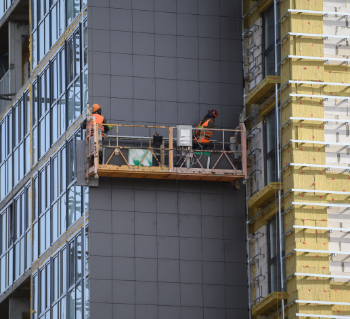
The Fire Safety (FS2) Framework from LHC Procurement.
Project and programme management codes of practice
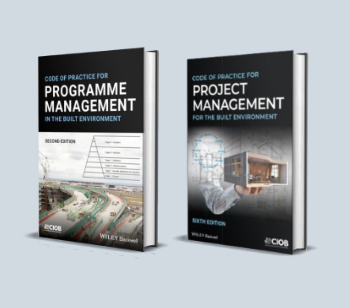
CIOB publications for built environment professionals.
The ECA Industry Awards 2024 now open !

Recognising the best in the electrotechnical industry.

Sustainable development concepts decade by decade.
The regenerative structural engineer
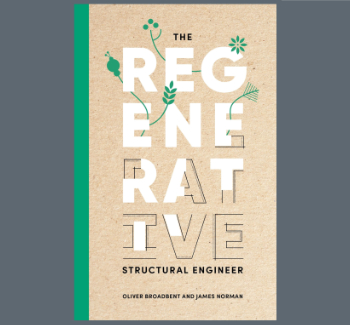
A call for design that will repair the natural world.
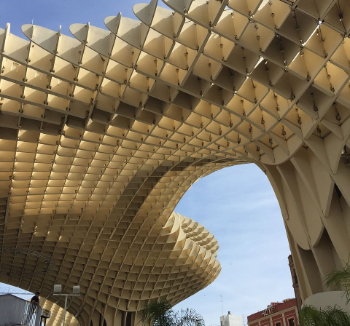
Buildings that mimic the restorative aspects found in nature.
CIAT publishes Principal Designer Competency Framework
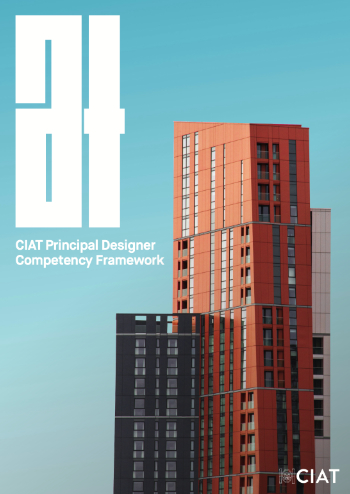
For those considering applying for registration as a PD.
BSRIA Building Reg's guidance: The second staircase
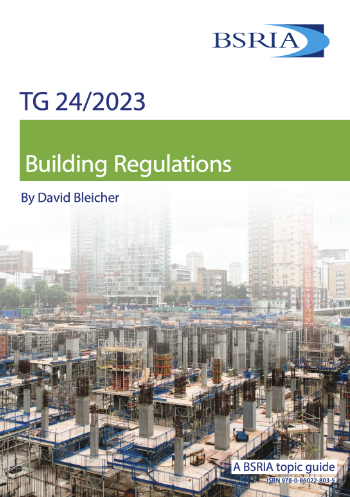
An overview focusing on aspects which most affect the building services industry.
Design codes and pattern books
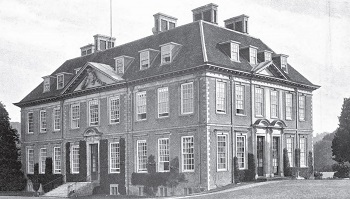
Harmonious proportions and golden sections.
Introducing or next Guest Editor Arun Baybars

Practising architect and design panel review member.
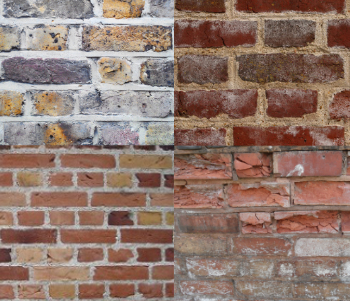
Quick summary by size, shape, test, material, use or bonding.
Types of rapidly renewable content
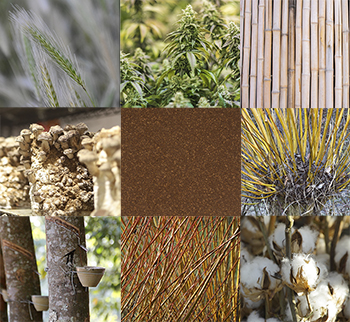
From forestry to agricultural crops and their by-products.
Terraced houses and the public realm
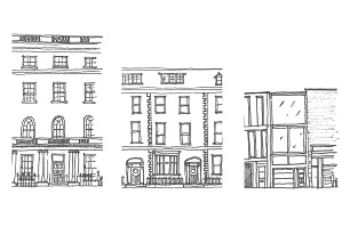
The discernible difference between the public realm of detached housing and of terraced housing.
Comments